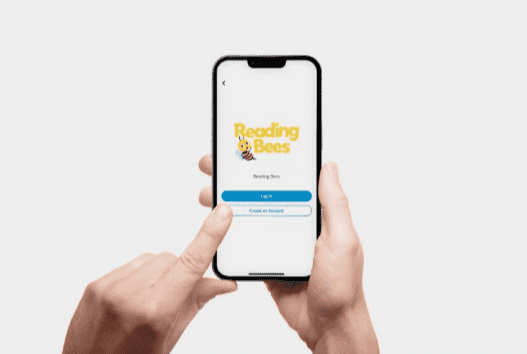

Reading Bees classes always happen face-to-face in our learning studios, but the Reading Bees app is how you manage everything around them. In fact, it is the only way to manage your child’s enrolment with us — so every family needs it.
What you can do in the app
- Find and book classes. Search by studio, level and day to find a class that suits your family.
- Enrol your child. Request a free PreKinder or Kinder trial, or book a primary screening.
- Manage payments. Make and manage term payments in one place.
- Record absences. Let us know in advance if your child will miss a class.
- Book make-up lessons. Use your Makeup Tokens to catch up in another class.
- Stay up to date. Get notifications about class changes, schedule updates, news and special offers.
- Update your details. Keep your family’s information current at any time.
How to get set up
Download the Reading Bees app from the Apple App Store or Google Play. If you are new to Reading Bees, create an account, add your child and explore our classes. If you are an existing family, log in with your current Reading Bees details to access your account.
Handy guides
- How to request a free PreKinder or Kinder trial
- How to book a primary screening appointment
- What to do if your child can’t attend a class
- How to book a make-up class
Need help with the app? Email us at hello@readingbees.com.au and we’ll walk you through it.